Linked classes
Linked classes connect multiple classes within a Pay-as-you-go programme into a pool, so clients can pick sessions from any of the linked classes with a single booking.
What are linked classes?
By default, a client registered in one class can only book sessions from that specific class. Linking classes removes this restriction — clients can browse and book sessions across all linked classes as if they were one combined schedule.
This feature is only available for Pay-as-you-go programmes.
Use case: Multi-topic studio membership
You run a fitness studio with a single "Studio Membership" Pay-as-you-go programme containing three classes:
- Monday Kickbox
- Wednesday Pilates
- Friday Yoga
By linking these three classes, a client who registers for the programme can book any Monday kickbox session, any Wednesday pilates session, or any Friday yoga session — all from one booking.
Use case: Same class, multiple locations or instructors
You offer the same yoga class at two locations or with different instructors. Each location or instructor has its own class for scheduling and capacity management, but you want clients to book sessions from either. Link the classes so clients see a unified session list.
Step-by-step: How to link classes
- Go to Programmes and select the programme you want to configure.
- Click Edit in the Class linking section.
- Click Add to create a new link.
- Enter a link name (e.g. "Studio Membership Pool").
- Click Select Classes to connect and choose the classes you want to link.
- Click Choose.
- Click Save.
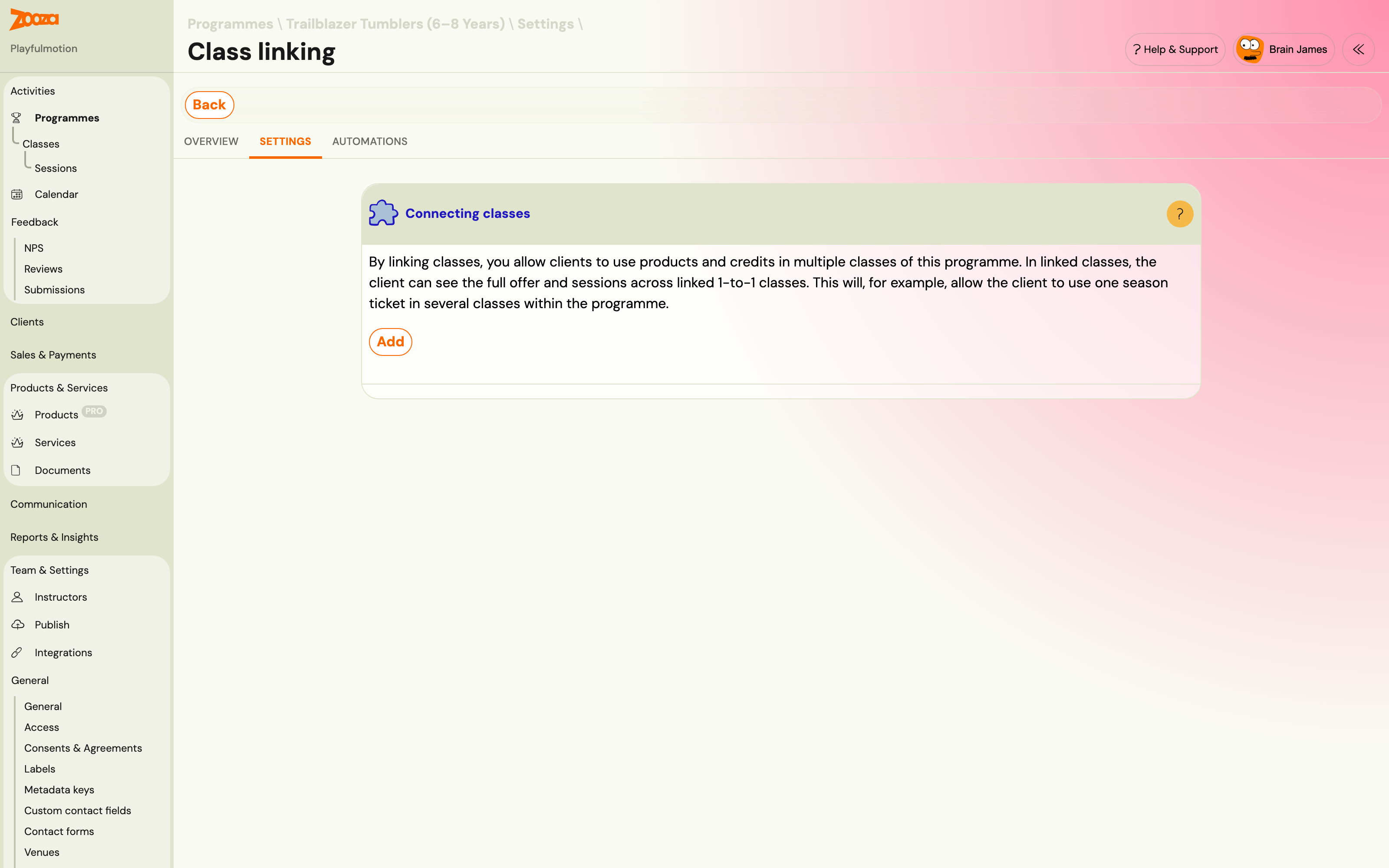
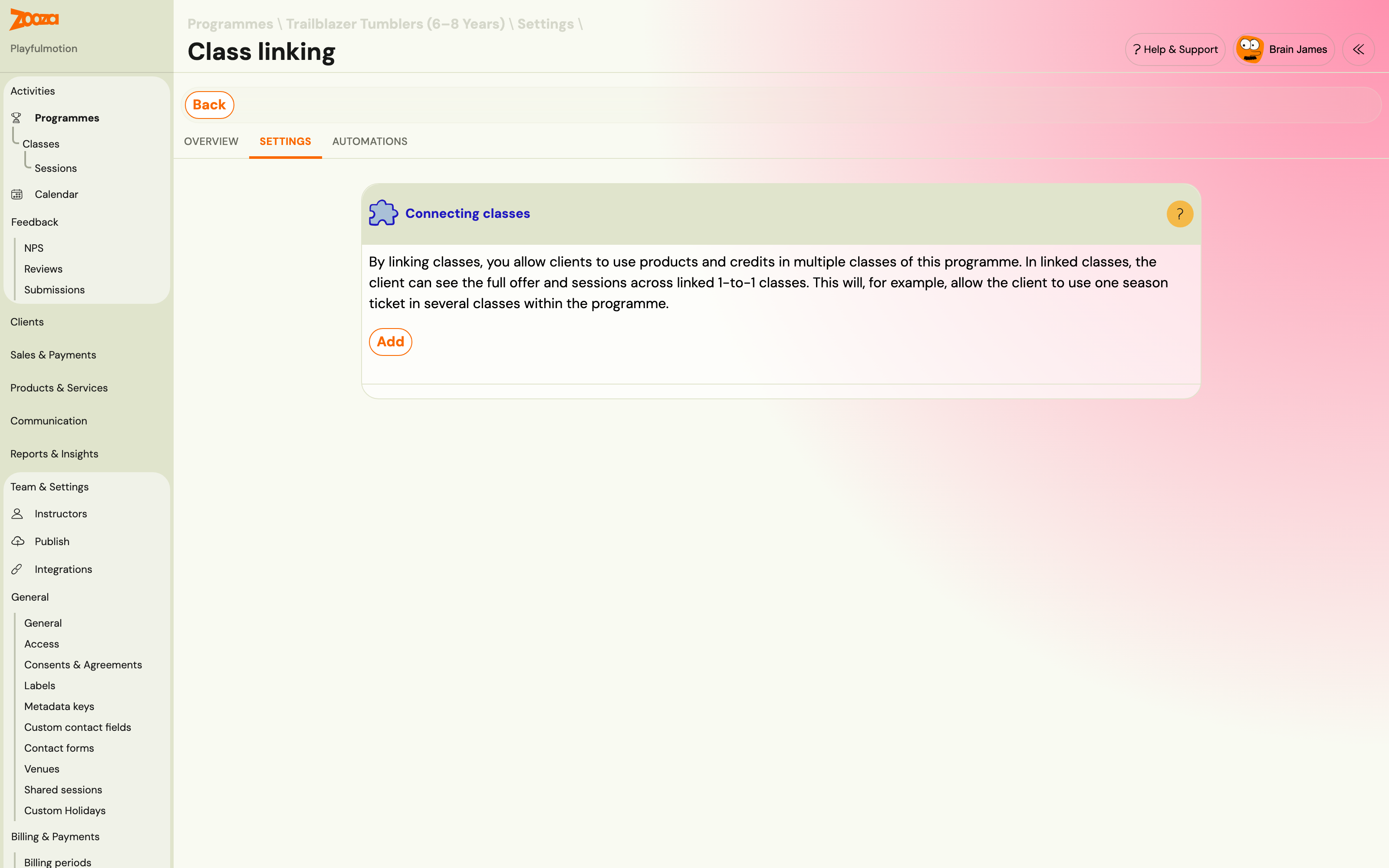
After saving, you can Add another link, Edit, or Delete existing links from the list.
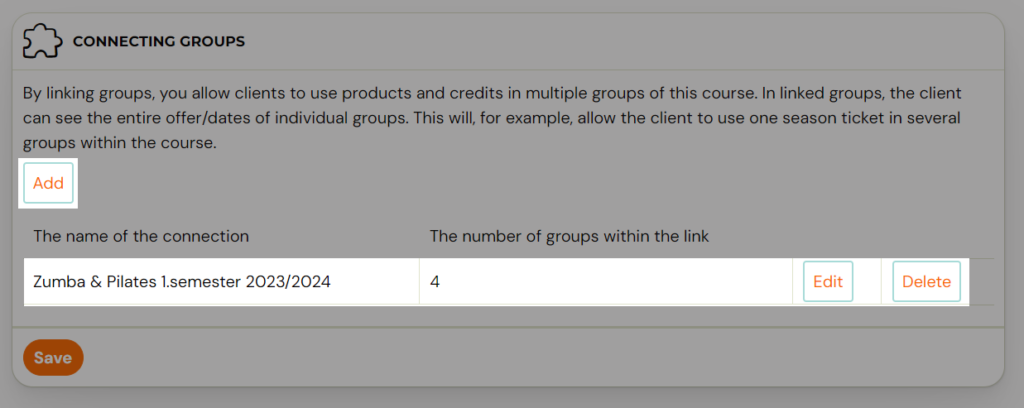
Multiple links within one programme
You can create multiple separate links within the same programme. This lets you link classes in different combinations. For example:
- Link A: Kickbox Monday + Kickbox Wednesday (same discipline, different days)
- Link B: All classes (full studio access)
This gives you flexibility in structuring your offering and applying different entry passes to different class pools.
Entry passes with linked classes
Once classes are linked, a client's entry pass pays for sessions anywhere in the pool. Strictly speaking the pass was never tied to a class — entries belong to the client at your company, and Zooza spends the one expiring soonest. Linking is what decides which sessions the client is offered; the pass simply follows.
For details on creating entry passes, see Creating entry passes.
Related guides
- Pay-as-you-go programme — The programme type that supports linked classes.
- Creating entry passes — Set up passes that work across linked classes.
- Programme settings — The Class linking tile in programme settings.
- Pay-as-you-go FAQ — Common questions about linked classes.