SmartBill Integration
SmartBill is a Romanian cloud invoicing platform. When connected, Zooza creates invoices directly in your SmartBill account.
Market: Romania Setup effort: Email + API token + CIF (Romanian tax ID)
Before you start
You need an active SmartBill account. The CIF (Romanian fiscal identification number) you enter in Zooza must match your SmartBill account exactly.
Setup
-
Go to Settings → Billing & Payments and open your Invoice Profile.
-
In the Invoice Engine section, select SmartBill.
-
Enter your credentials:
Field Where to find it EmailYour SmartBill account email API TokenSmartBill → My Account → Integrations → API CIFYour Romanian tax identification number Invoice SeriesOptional — controls invoice numbering; set in SmartBill 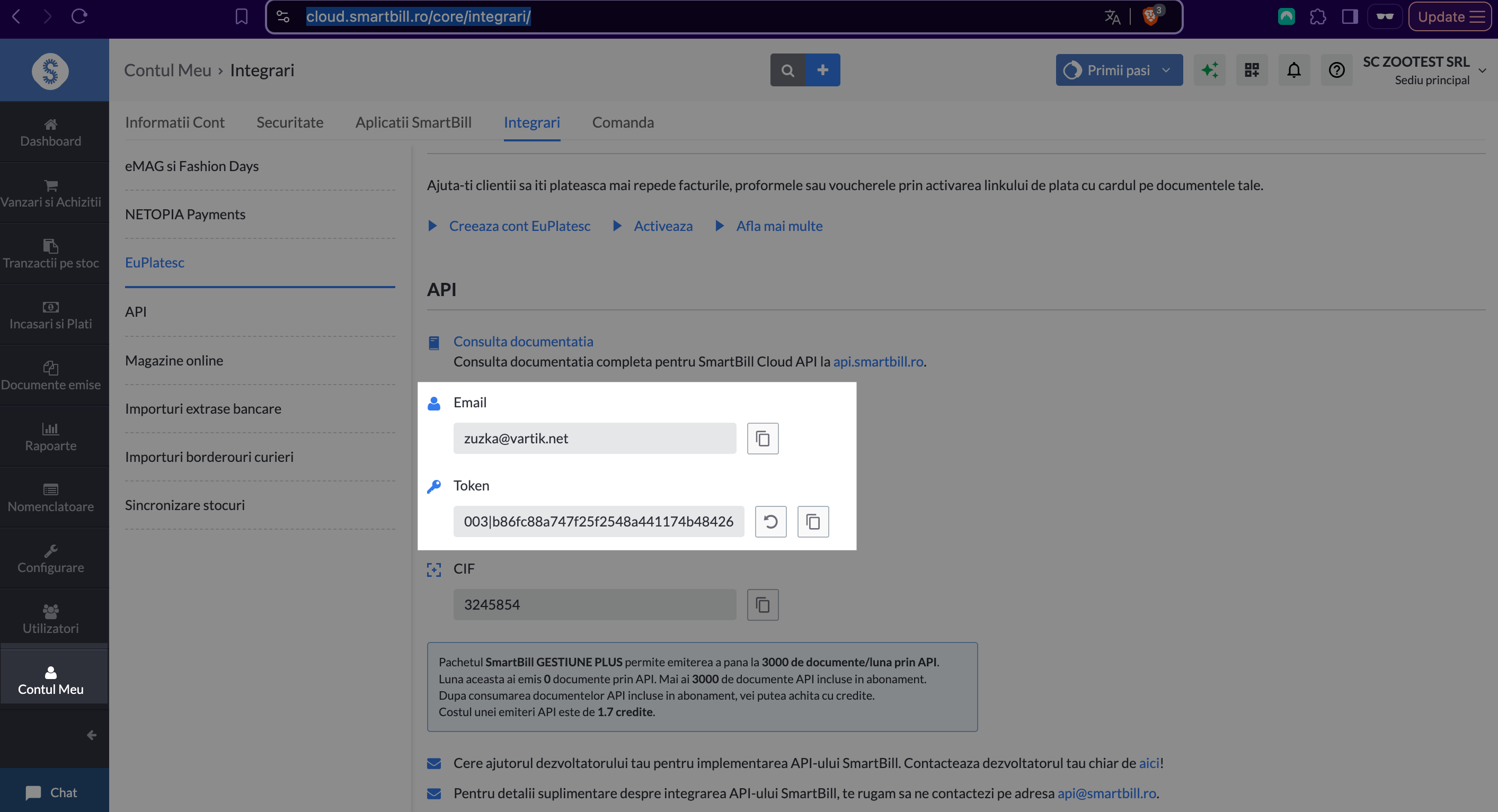
-
Click Save.
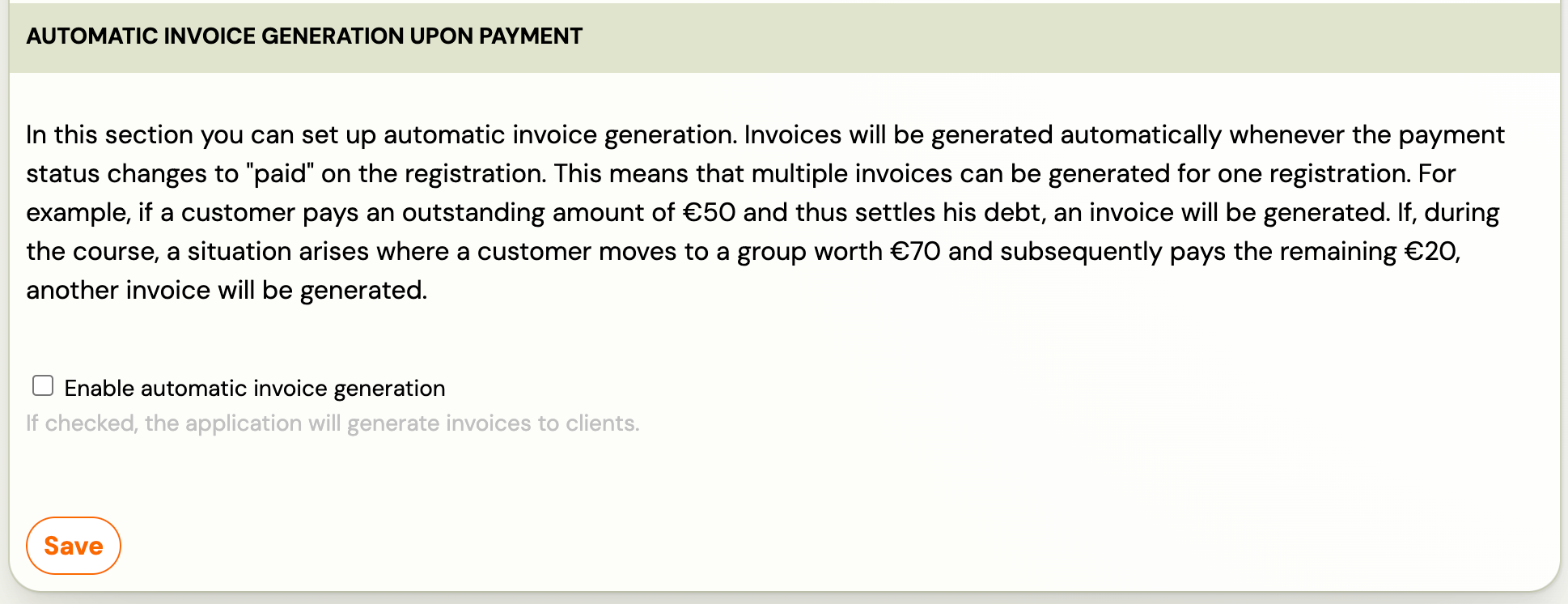
How invoices work
Once connected:
- Every time a payment is recorded in Zooza, an invoice is created in your SmartBill account.
- SmartBill assigns the invoice number and controls numbering via the invoice series.
- PDF is available for download after creation.
- VAT settings are pulled from SmartBill into Zooza.
- Changes made in SmartBill are not synced back to Zooza.
VAT setup
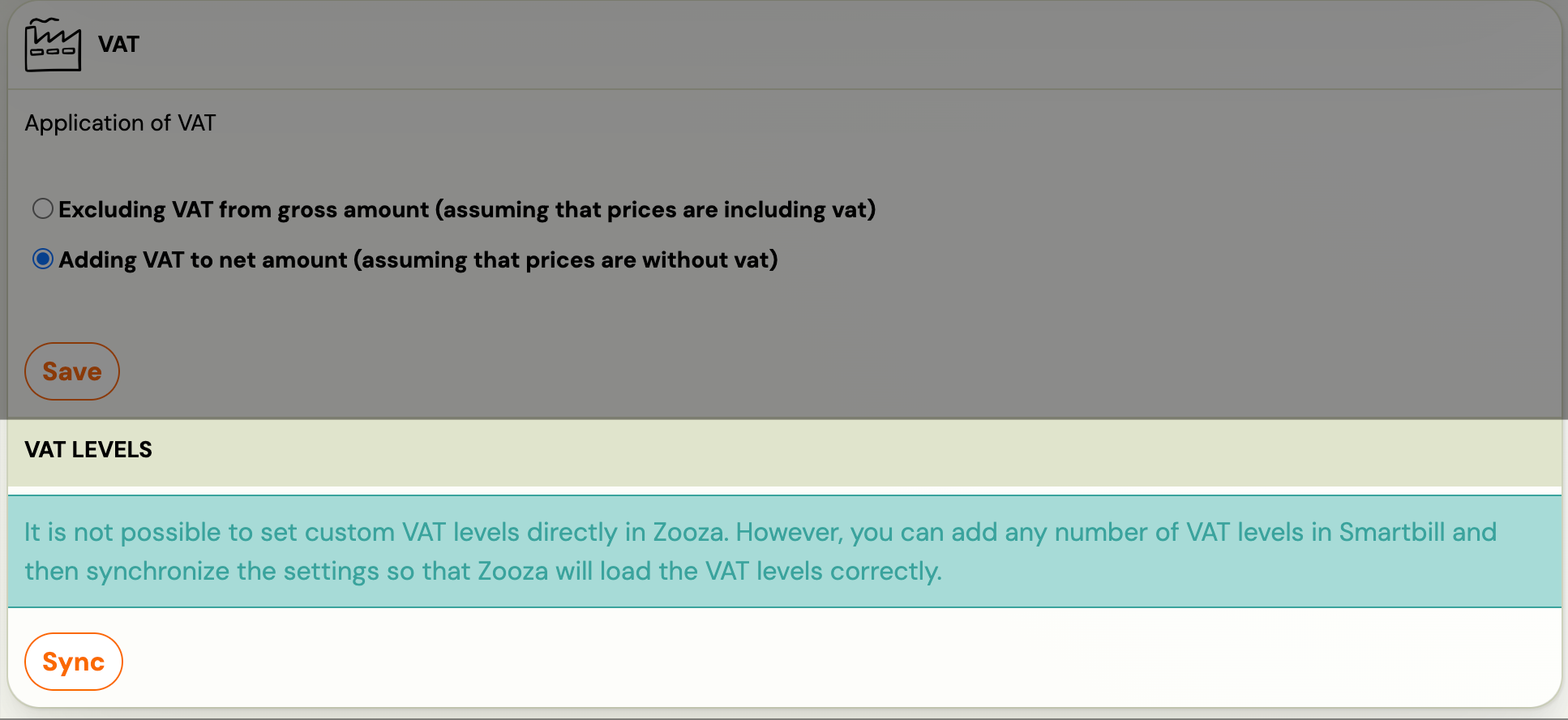
After connecting, sync VAT rates from SmartBill:
-
Go to Settings → Billing & Payments → scroll to VAT levels.
-
Click Synchronize to pull VAT rates from SmartBill.
Invoice series
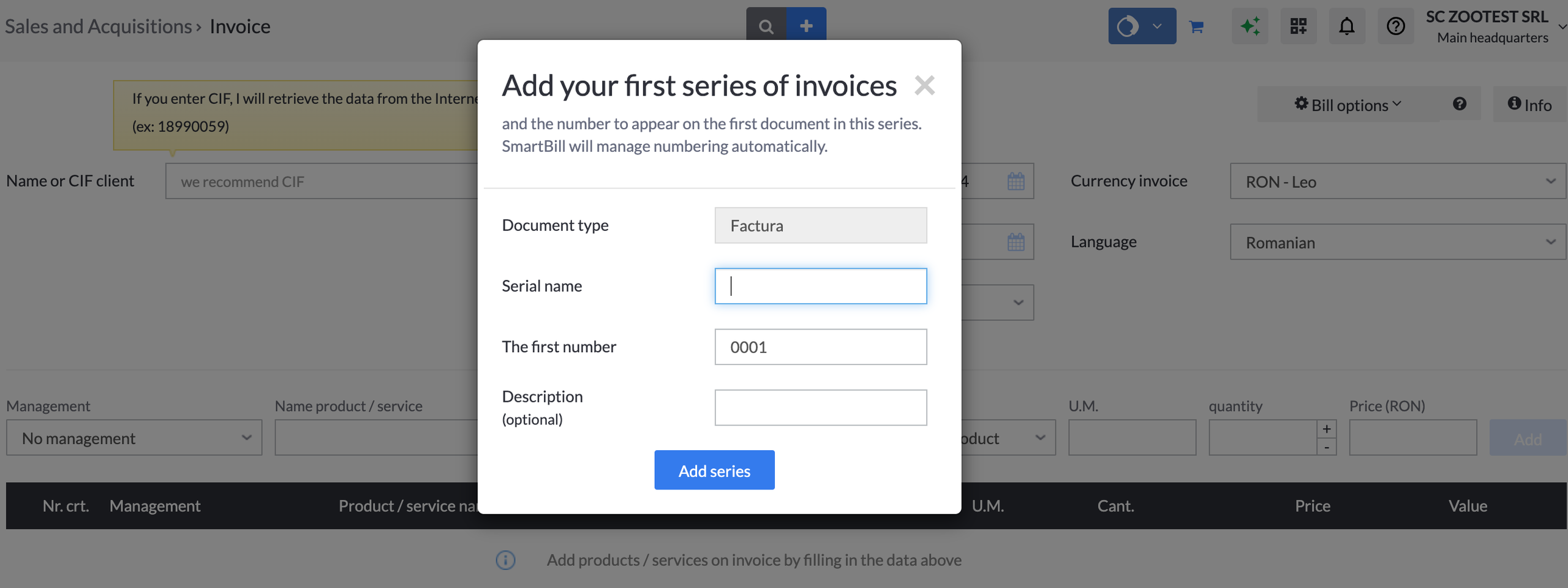
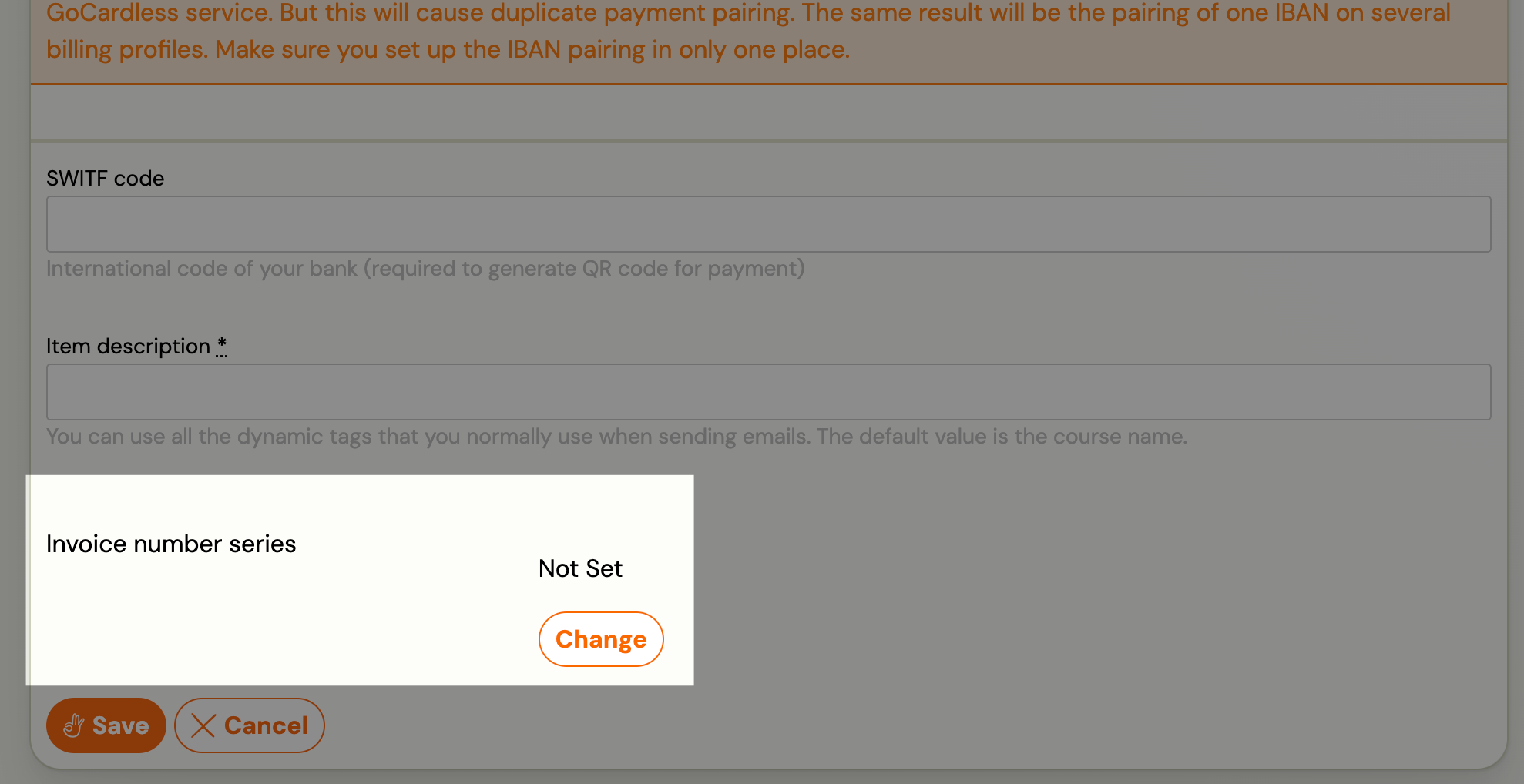
Set the invoice number series in SmartBill, then select it in the Invoice Profile in Zooza:
What works and what doesn't
| Feature | Status |
|---|---|
| Invoice creation | ✓ Automatic |
| PDF generation | ✓ Available after creation |
| VAT sync from SmartBill | ✓ Supported |
| Invoice numbering | ✓ Managed by SmartBill via series |
| Payment sync | ✗ Not supported — payments tracked in Zooza only |
| Credit notes | ✗ Not supported — issue in SmartBill directly |
| Editing invoices after creation | ✗ Edit in SmartBill — changes don't sync back |
Known issues
CIF mismatch — The CIF entered in Zooza must match your SmartBill account exactly. A mismatch will cause invoice creation to fail.
Invoice count limit — The number of invoices you can issue depends on your SmartBill subscription plan.
Related
- Invoicing overview — how invoice engines work
- Billing and invoicing — Invoice Profiles, auto/manual generation, multi-line
- VAT management — configuring VAT rates