Send an email after session/session
For each session created within a programme, you can set up individual communication for enroled clients. Use this when you need to communicate important information before or after the session -- for example, "don't forget to bring your workbook."
To set up communication, follow these steps:
- Find the date you want to set up communication for. You can find it via the Sessions tab or the Classes tab.
- Click on the date of your choice.
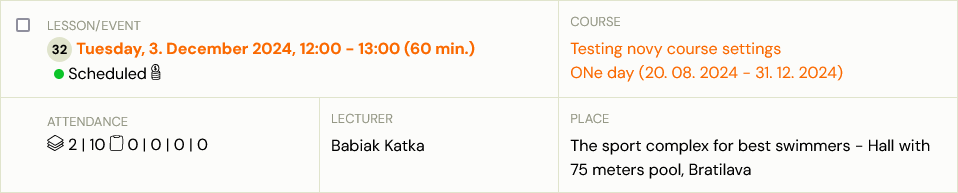
- In the session detail, open the Automation tile.
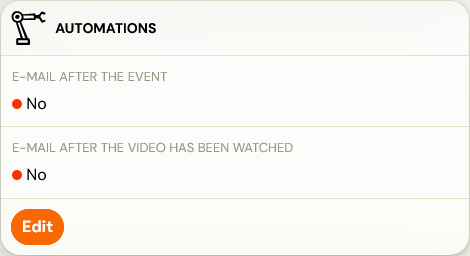
- Two email options will be available: 5. Email after the session 6. Email after the video has been watched
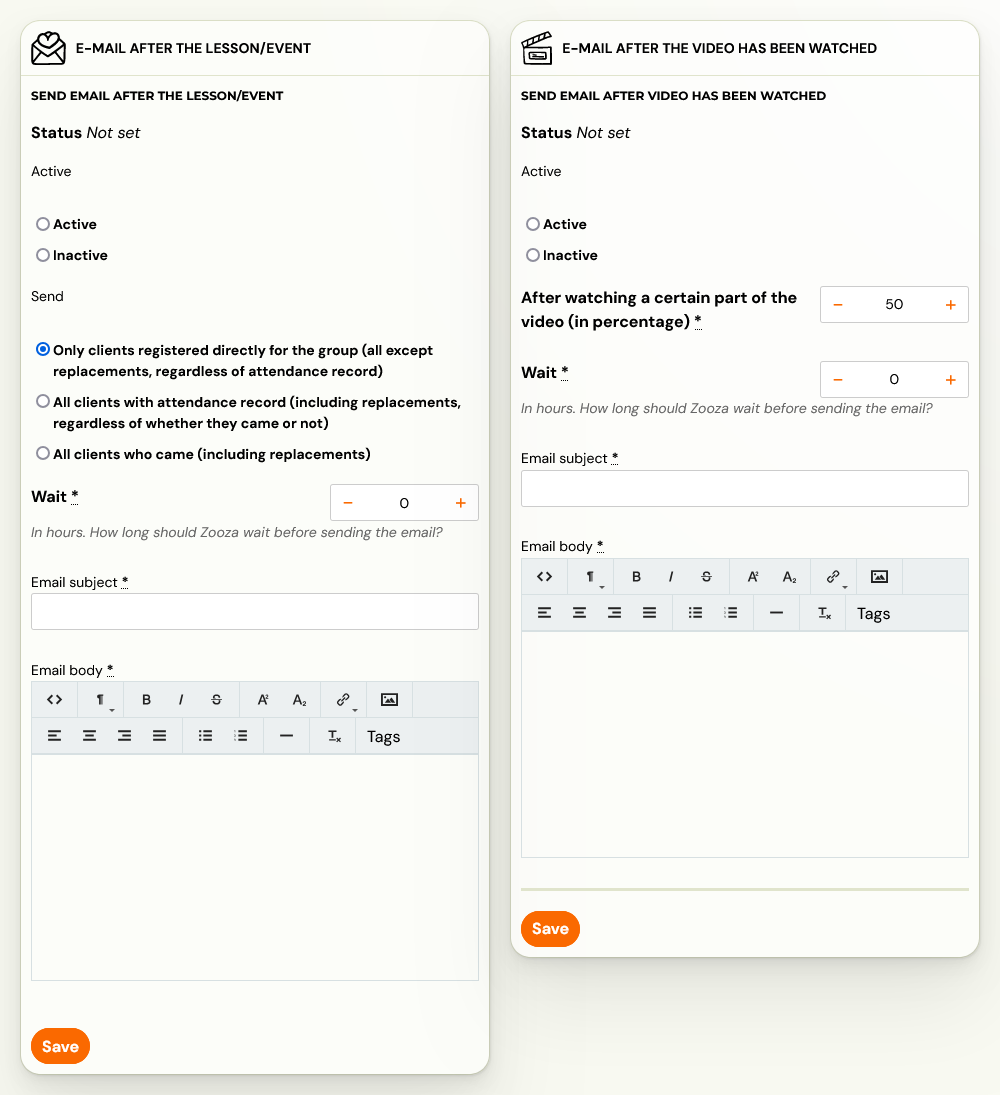
- Based on what you need, fill out all required fields and send the email.