Company logo in email communication
You can insert your company logo within the application. Once set, it will appear in the header of all email communication with your clients.
- Go to Settings --> General.
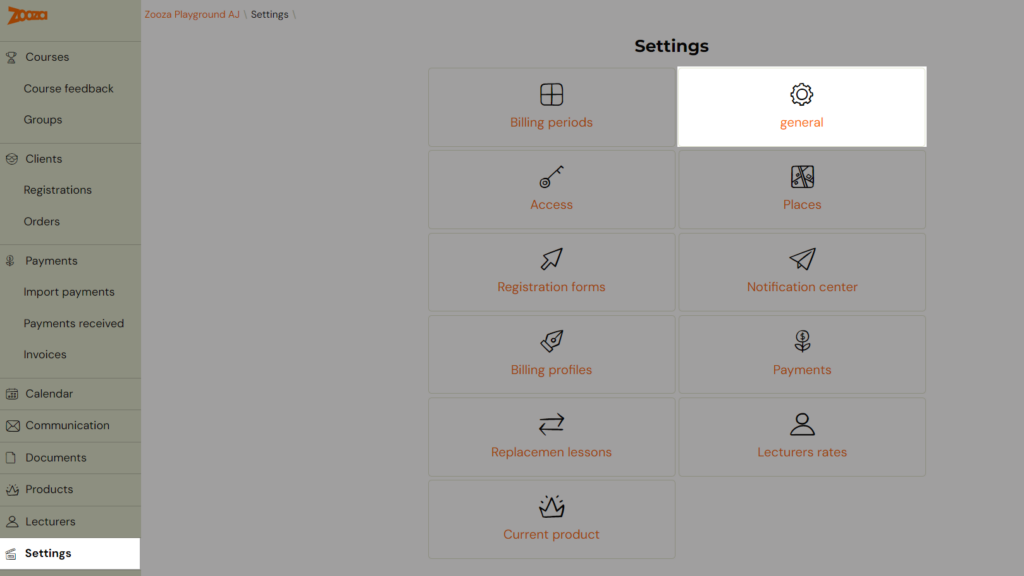
- In the first section, Account Information, there is an option to insert a logo. Enter the URL where the logo is stored.
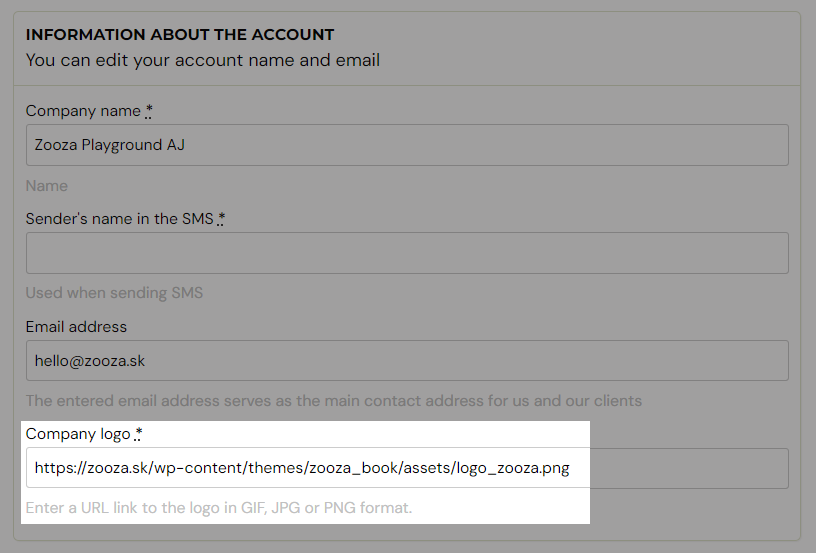
- After inserting the link with the logo, scroll to the bottom of the page and click Save.
Visualisation of the email with the logo: