Recover deleted sessions, classes, and registrations
Deleted items are not immediately gone. Zooza keeps them in Trash for 30 days, after which they are permanently removed and cannot be recovered. During those 30 days you can restore any item with a single click.
Access: Settings → Tools → Trash. Requires
delete_coursespermission (owner role).
What can be restored
| Type | What it is |
|---|---|
| Session (event) | A single session within a class |
| Class (schedule) | An entire class with all its sessions |
| Registration | A client's booking on a class |
Items deleted more than 30 days ago are permanently gone and cannot be recovered from here.
Restoring a single item
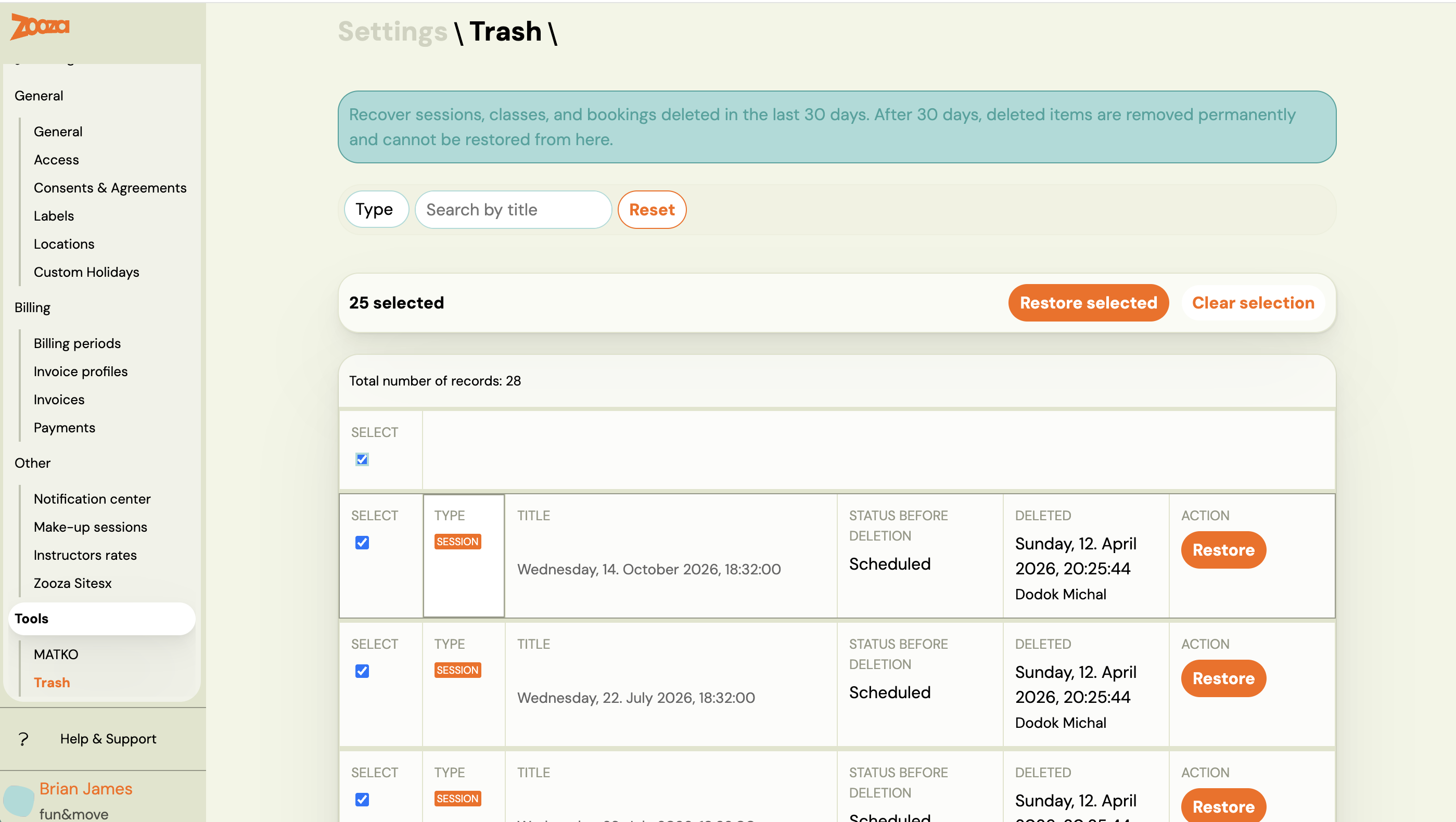
- Go to Settings → Tools → Trash.
- Use the Type filter or the search field to find the item.
- Click Restore on the row.
- Confirm the action in the dialog.
The item is removed from the Trash list and restored to its original location in the app.
Note: Restore is a database-level operation. It does not re-send notifications, re-trigger integrations, or cascade to dependent records. For example, restoring a class does not automatically restore registrations that were on it — restore each type separately if needed.
Restoring multiple items at once
- Check the boxes next to the items you want to restore. Use the header checkbox to select all items on the current page.
- The bulk action bar appears above the table showing the count.
- Click Restore selected.
- Confirm in the dialog.
The system processes each item independently. If some succeed and others fail, you get a success count plus individual error messages for the failures. Successfully restored items are removed from the list; failed items stay so you can retry or investigate.
The bulk restore is capped at 100 items per action.
Filtering the list
| Filter | Options |
|---|---|
| Type | All, Session, Class, Registration |
| Search | Free text — searches by title |
Pagination is standard. Changing pages clears any checkboxes you have selected.
Empty state
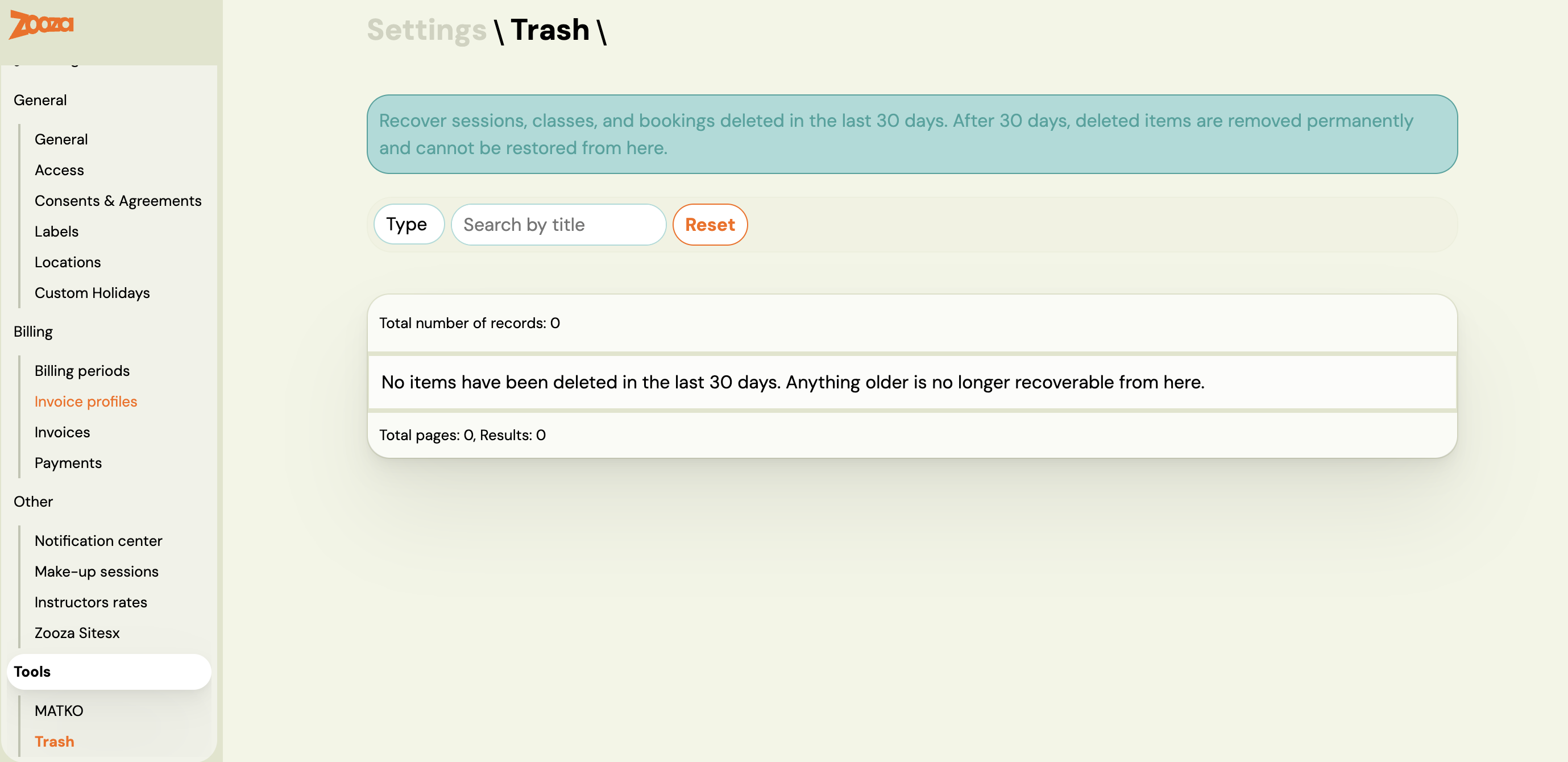
If the list shows "No items have been deleted in the last 30 days", there is nothing to recover. Items deleted before the 30-day window are gone permanently.
What restore does not do
- No notification to clients. Restoring a registration does not send a confirmation email to the client.
- No cascading restore. Restoring a class does not restore the registrations that were on it. Restore each record type separately.
- No integration triggers. GoCardless mandates, Stripe charges, and invoicing integrations are not re-triggered.
- No undo for permanent deletions. Items deleted more than 30 days ago cannot be recovered from Trash or by Zooza support.
Related
- Archive or delete a programme — how to safely deactivate programmes
- Settings — overview of all settings sections