Számlázz.hu Integration
Számlázz.hu is a major Hungarian cloud invoicing platform. When connected, Zooza creates legally compliant Hungarian invoices directly in your Számlázz.hu account. For business bookings, invoices are automatically forwarded to Hungary's NAV tax system.
Market: Hungary Setup effort: Paste API token
Before you start
You need an active Számlázz.hu account. Számlázz.hu has a test environment — use it to confirm the integration works before going live.
Setup
-
Go to Settings → Billing and open your Invoice Profile.
-
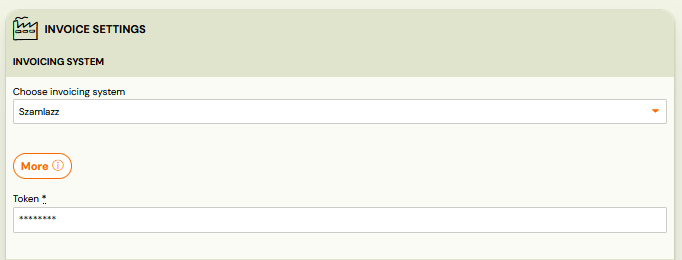
In the Invoice Engine section, select Számlázz.hu.
-
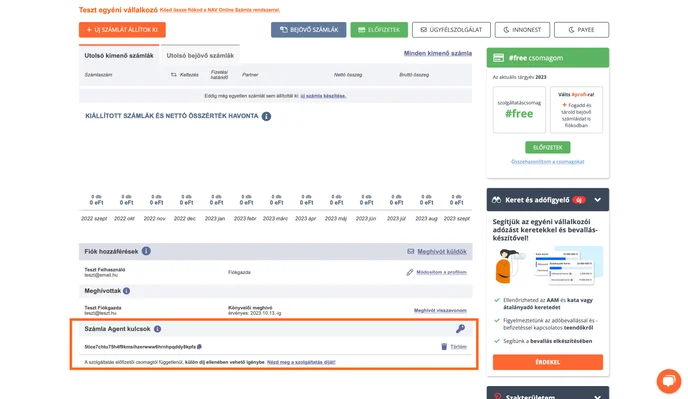
Paste your API token:
- Find it in Számlázz.hu on the main page, at the bottom — below the invoice list and the users block.
- Detailed instructions: Számlázz.hu API key guide
-
Click Save.
Tip: You can connect multiple Számlázz.hu accounts to one Zooza account by adding a different API token to each Invoice Profile. Each profile links to its own Számlázz.hu account.
How invoices work
Once connected:
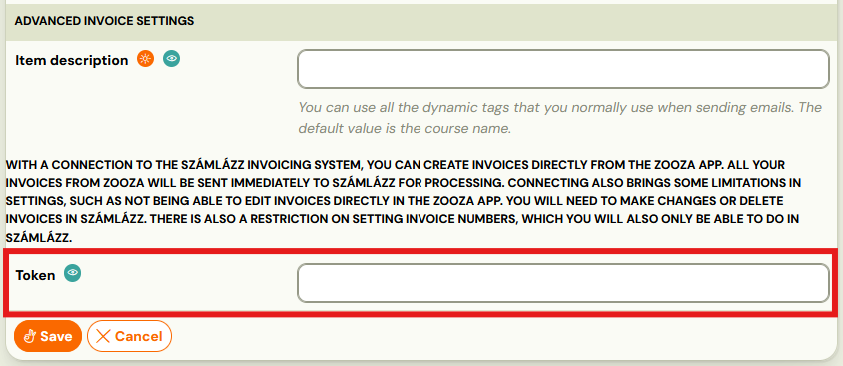
- Every time a payment is recorded in Zooza, an invoice is created in Számlázz.hu.
- Invoice numbering is managed by Számlázz.hu via the number series configured there.
- For business bookings (B2B), invoices are automatically forwarded to Hungary's NAV tax system — no manual steps required.
- If a customer has already paid (pre-paid), the payment is automatically recorded on the invoice in Számlázz.hu — the invoice appears as paid immediately.
- Invoices cannot be modified after creation.
VAT setup
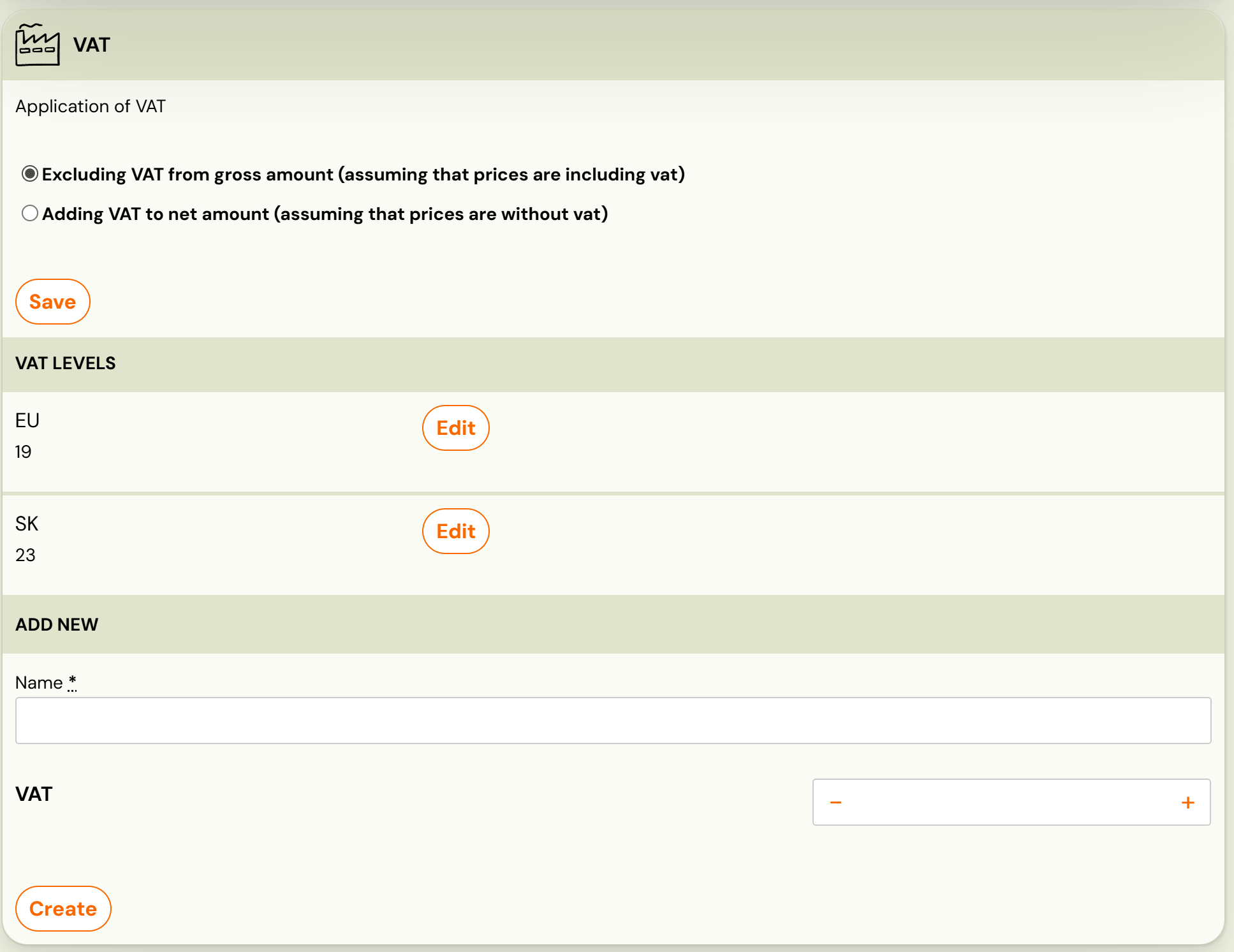
After connecting, configure VAT in Zooza:
-
Go to Settings → Billing → scroll to VAT levels.
-
Select how VAT should be applied and click Synchronize.
What works and what doesn't
| Feature | Status |
|---|---|
| Invoice creation | ✓ Automatic |
| NAV submission (B2B) | ✓ Automatic for business bookings |
| Pre-paid invoice marking | ✓ Automatic — payment recorded immediately |
| Multiple Számlázz accounts | ✓ Via separate Invoice Profiles |
| Payment sync | ✓ Partial — pre-paid invoices only |
| Credit notes | ✗ Not supported — issue in Számlázz.hu directly |
| Editing invoices after creation | ✗ Not possible once created |
Known issues
Invoice cannot be modified — Once created in Számlázz.hu, invoices cannot be changed. Plan carefully before generating.
Test first — Számlázz.hu has a test environment. Use it to verify the integration before switching to your live account.
Related
- Invoicing overview — how invoice engines work
- Billing and invoicing — Invoice Profiles, auto/manual generation, multi-line
- VAT management — configuring VAT rates